
Java Edition
- Open Minecraft: Java Edition.
- Select Multiplayer , then Add Server .
- Enter mc.classicvanilla.org .
- Save it and click Join Server .
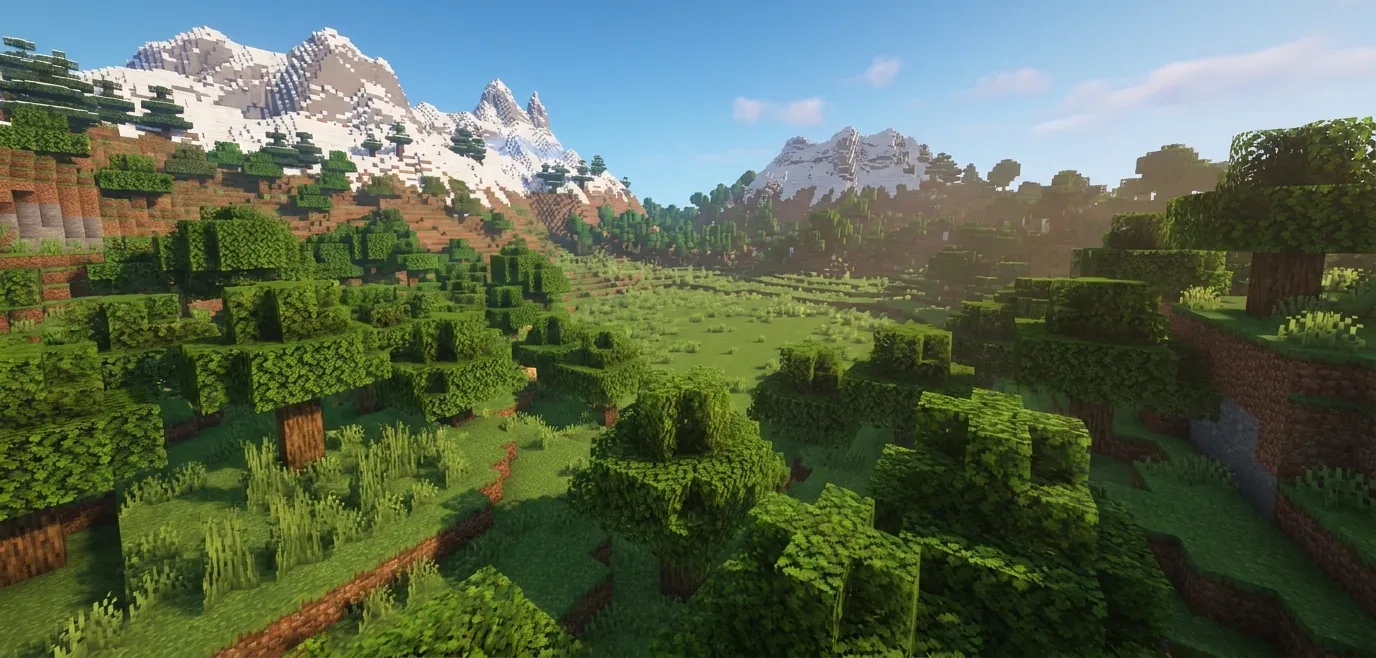
Everything you need to start playing on ClassicVanilla.
Copy the address below and add it to your multiplayer server list.
Java & Bedrock Edition supported
Join our Discord for help, news, and community updates.